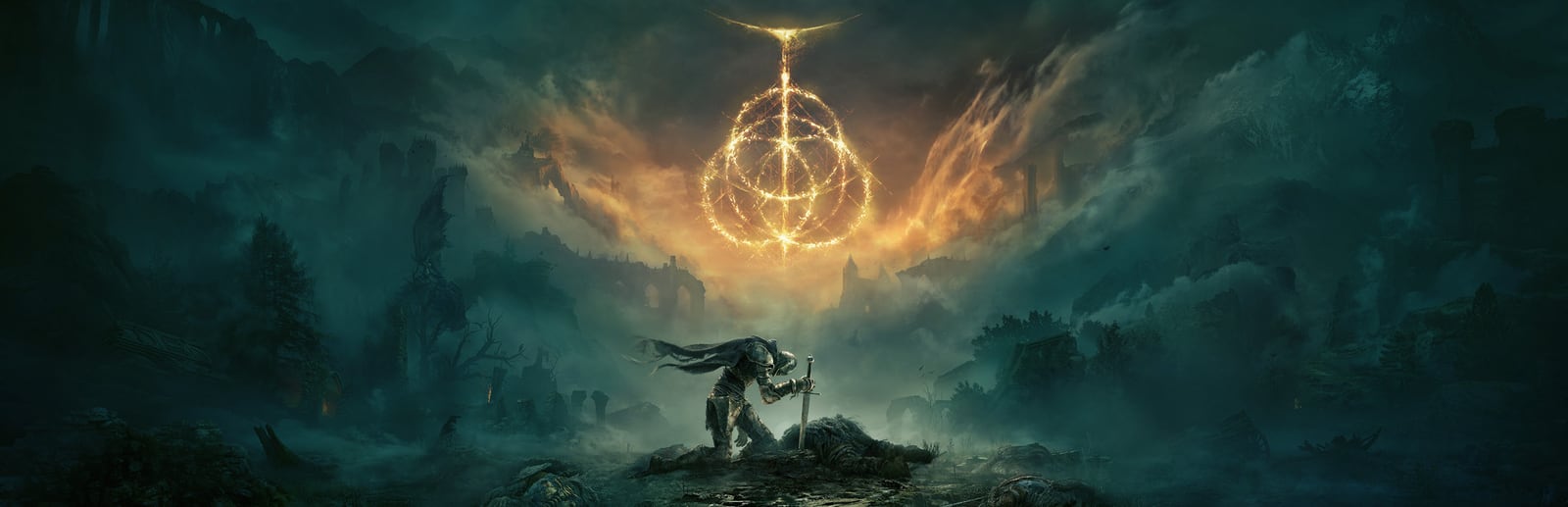


Elden Ring
FromSoftware's open-world action RPG — punishing combat and a vast, seamless world, locked to a stable 60 FPS.
- Developer
- FromSoftware
- Publisher
- Bandai Namco
- Released
- 2022
- Genre
- Action RPG, Open World


FromSoftware's open-world action RPG — punishing combat and a vast, seamless world, locked to a stable 60 FPS.
Elden Ring is FromSoftware's open-world evolution of the Souls formula, set in the Lands Between across a huge, seamless map dense with optional bosses, dungeons, and secrets. Combat is deliberate and stamina-driven, rewarding patient reads over reflexes. The engine is hard-capped at 60 FPS, so tuning is not about pushing higher numbers but about holding a rock-solid, stutter-free 60 — the game is well known for traversal stutter as it compiles shaders and streams open-world assets during exploration, which is why an SSD and smart settings choices matter more here than raw GPU horsepower.
Built for competitive players who want the highest frame rate and lowest input latency.
Strips the heaviest open-world effects to build maximum frame-time headroom. The engine caps at 60 FPS, so the goal here is a locked, stutter-free 60 that never dips in busy areas — not higher numbers.
| Setting | Value | Why |
|---|---|---|
| Screen Mode | Fullscreen | Best frame pacing and lowest latency. |
| Resolution | Native (1920x1080) | — |
| Frame Rate | 60 (Locked) | Engine hard cap — the target is a stable 60, not more. |
| Texture Quality | Medium | Nearly free on 6GB+ VRAM; keep readable. |
| Anti-Aliasing Quality | Low | — |
| SSAO | Off | — |
| Depth of Field | Off | Sharpens distant detail, trims GPU load. |
| Motion Blur | Off | Cleaner camera while riding across regions. |
| Shadow Quality | Low | — |
| Lighting Quality | Low | — |
| Volumetric Lighting Quality | Low | Very heavy in foggy/open zones — a big cost cut. |
| Grass Quality | Low | Single largest open-world GPU cost; drop this first. |
| Reflection Quality | Low | — |
| Global Illumination Quality | Low | — |
| Ray Tracing Quality | Off | Biggest single cost; keep off to protect a locked 60. |
Maximum visual fidelity for players who prefer the best-looking image.
Maximum fidelity for capture and slow exploration. Even fully maxed, the engine will not exceed 60 FPS, so this profile is about visuals — expect occasional dips below 60 in dense areas and with ray tracing on mid-range GPUs.
| Setting | Value | Why |
|---|---|---|
| Screen Mode | Fullscreen | — |
| Frame Rate | 60 (Locked) | Even maxed out, the engine renders no more than 60. |
| Quality Settings | Maximum | — |
| Texture Quality | Maximum | — |
| Anti-Aliasing Quality | High | — |
| SSAO | High | — |
| Depth of Field | High | — |
| Motion Blur | On | — |
| Shadow Quality | Maximum | — |
| Lighting Quality | Maximum | — |
| Volumetric Lighting Quality | Maximum | Biggest visual upgrade in fog, dusk, and cave lighting. |
| Reflection Quality | Maximum | — |
| Water Surface Quality | High | — |
| Grass Quality | Maximum | — |
| Global Illumination Quality | Maximum | — |
| Ray Tracing Quality | Medium | Adds RT shadows/AO; may drop below 60 on mid-range cards. |
The sweet spot between frame rate and visuals. Drag the slider to shift the balance.
Keeps the Lands Between looking rich while retaining enough headroom to hold the 60 FPS cap through combat and busy overworld traversal. A great everyday default.
| Setting | Value | Why |
|---|---|---|
| Screen Mode | Fullscreen | — |
| Resolution | Native (1920x1080) | — |
| Frame Rate | 60 (Locked) | Aim for a consistent 60 in open areas. |
| Texture Quality | High | Cheap on 8GB VRAM; big fidelity gain. |
| Anti-Aliasing Quality | High | — |
| SSAO | High | — |
| Depth of Field | On | — |
| Motion Blur | Off | Personal preference; off keeps combat crisp. |
| Shadow Quality | Medium | — |
| Lighting Quality | High | — |
| Volumetric Lighting Quality | Medium | Main lever for headroom in open fields. |
| Grass Quality | Medium | Biggest tuning dial for stable overworld frames. |
| Reflection Quality | Medium | — |
| Global Illumination Quality | High | — |
| Ray Tracing Quality | Off | Leave off — it's the easiest way to break the 60 cap. |
| Metric | CompetitiveSmooth 60 / Performance | BalancedBalanced | High GraphicsBest Graphics |
|---|---|---|---|
| Input Latency | Lowest | Low | Standard |
| Graphics Quality | |||
| GPU Usage | Low | Medium | Very High |
| Competitive Score | 90/100 | 74/100 | 52/100 |
| Recommended For | Weaker or laptop GPUs, and anyone prioritizing a dead-stable, stutter-free 60. | Mid-range GPUs that want strong visuals while still pinning a smooth 60. | High-end GPUs, screenshots, and cinematic exploration where visuals come first. |
Official minimum and recommended specs for Elden Ring.
These are the requirements of ELDEN RING, the edition this page covers.
| Component | Minimum | Recommended |
|---|---|---|
| OS | Windows 10 | Windows 10/11 |
| Processor | INTEL CORE I5-8400 or AMD RYZEN 3 3300X | INTEL CORE I7-8700K or AMD RYZEN 5 3600X |
| Memory | 12 GB RAM | 16 GB RAM |
| Graphics | NVIDIA GEFORCE GTX 1060 3 GB or AMD RADEON RX 580 4 GB | NVIDIA GEFORCE GTX 1070 8 GB or AMD RADEON RX VEGA 56 8 GB |
| DirectX | Version 12 | Version 12 |
| Storage | 60 GB available space | 60 GB available space |
Minimum
Requires a 64-bit processor and operating system OS: Windows 10 Processor: INTEL CORE I5-8400 or AMD RYZEN 3 3300X Memory: 12 GB RAM Graphics: NVIDIA GEFORCE GTX 1060 3 GB or AMD RADEON RX 580 4 GB DirectX: Version 12 Storage: 60 GB available space Sound Card: Windows Compatible Audio Device Additional Notes:
Recommended
Requires a 64-bit processor and operating system OS: Windows 10/11 Processor: INTEL CORE I7-8700K or AMD RYZEN 5 3600X Memory: 16 GB RAM Graphics: NVIDIA GEFORCE GTX 1070 8 GB or AMD RADEON RX VEGA 56 8 GB DirectX: Version 12 Storage: 60 GB available space Sound Card: Windows Compatible Audio Device Additional Notes:
Source: Steam
Pick your hardware and preset to estimate your frame rate — results update instantly.
Frame generation is never counted: every figure is rendered frames only.
Your Estimated Elden Ring Performance
High (assumed from the recommended spec) · native · 1080p
Game's frame cap. Elden Ring is capped at 60 FPS by its engine, whatever the graphics card. Source
FPS values displayed on GamerSpecs are estimates. Actual game performance may vary depending on hardware configuration, drivers, cooling, power limits, background applications, and game updates.
How is this calculated?Safe, technically-sound tips to get the most out of Elden Ring.
Elden Ring is hard-capped at 60 FPS — target a locked, stutter-free 60 rather than chasing higher numbers. Consistent frame times matter far more here than peak FPS.
Most traversal stutter is shader compilation and asset streaming. Install the game on an SSD (NVMe ideally) so the engine can stream open-world assets fast enough to hold 60.
Cut Grass Quality and Volumetric Lighting first — they are the two heaviest open-world settings, and lowering them buys the most headroom to keep from dipping under the cap.
Leave Ray Tracing off unless you have GPU headroom to spare; it's the single biggest cost and will break a locked 60 on most mid-range cards.
The first time you enter a new region, ride across it once to let shaders compile — that initial pass stutters, but return visits are noticeably smoother.
Keep GPU drivers current and close background overlays and browser tabs before playing; freeing CPU cycles helps the engine keep steady frame pacing through busy areas.