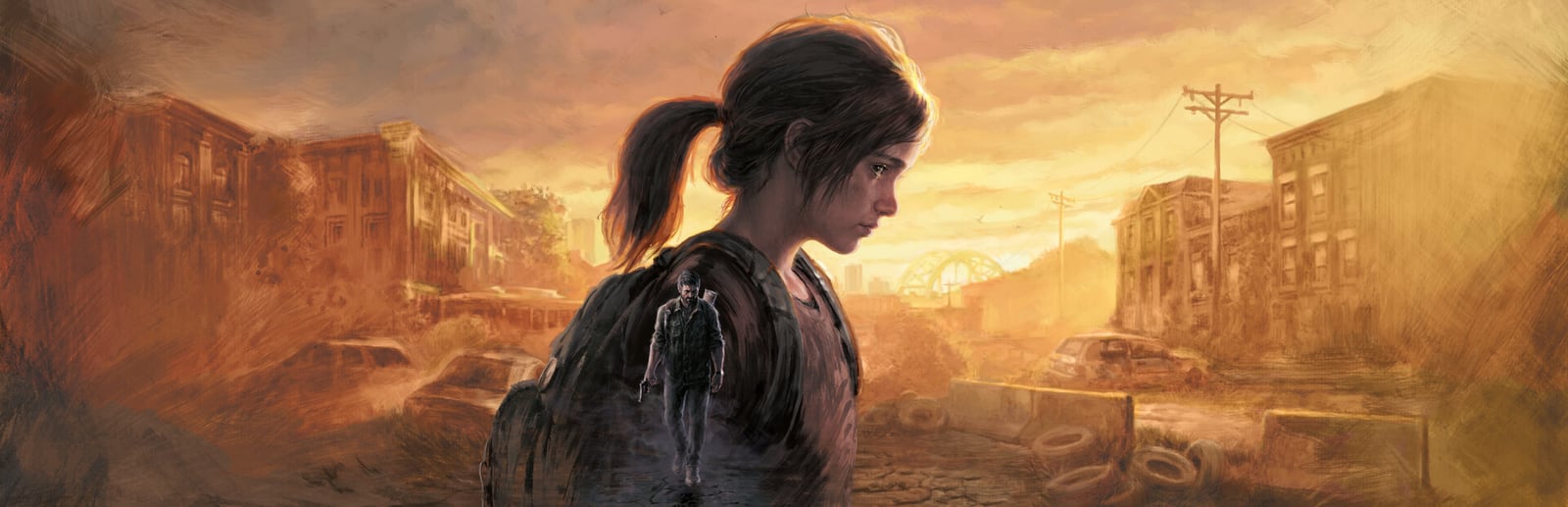


The Last of Us Part I
A ground-up remake of Naughty Dog's landmark survival drama — stunning to look at, and famously hungry for VRAM.
- Developer
- Naughty Dog / Iron Galaxy
- Publisher
- PlayStation PC LLC
- Released
- 2023
- Genre
- Action, Story


A ground-up remake of Naughty Dog's landmark survival drama — stunning to look at, and famously hungry for VRAM.
The Last of Us Part I rebuilds the original journey of Joel and Ellie across a ruined United States with the studio's most detailed characters, lighting and environments to date. On PC it delivers reference-class visuals and full DLSS/FSR support, but it is one of the most VRAM-hungry titles on the platform and compiles shaders for several minutes on first launch. Once that build finishes and settings are matched to your card's memory, it runs cleanly — Texture Quality is the single most important lever for staying inside your VRAM budget.
Built for competitive players who want the highest frame rate and lowest input latency.
Prioritizes a high, stable frame rate and a small VRAM footprint. Ideal for high-refresh play or GPUs with 6 GB or less.
| Setting | Value | Why |
|---|---|---|
| Display Mode | Fullscreen | Lowest latency, exclusive GPU access. |
| Resolution | Native Resolution | — |
| V-Sync | OFF | Uncaps frame rate; removes latency. |
| Upscaling | DLSS / FSR — Performance | Big FPS win at 1440p and above. |
| Texture Quality | Medium | The key VRAM lever — drop this first if VRAM is tight. |
| Texture Sampling Quality | Low | — |
| Anisotropic Filter | 4x | — |
| Shadow Quality | Low | Cheap, reliable frame gain. |
| Ambient Shadows | Low | — |
| Screen Space Reflections | OFF | Expensive for the visual return. |
| Depth of Field | OFF | — |
| Motion Blur | OFF | Improves clarity in motion. |
| Bloom | Low | — |
| Level of Detail | Medium | — |
Maximum visual fidelity for players who prefer the best-looking image.
Maximum fidelity for capture and story playthroughs. Ultra textures expect 10 GB+ of VRAM — watch for pop-in on smaller cards.
| Setting | Value | Why |
|---|---|---|
| Display Mode | Fullscreen | — |
| Resolution | Native Resolution | — |
| V-Sync | ON | Tear-free at capped frame rates. |
| Upscaling | DLAA / Native | Best possible image quality. |
| Texture Quality | Ultra | Requires 10 GB+ VRAM to avoid streaming stutter. |
| Anisotropic Filter | 16x | — |
| Shadow Quality | High | — |
| Ambient Shadows | High | — |
| Screen Space Reflections | High | — |
| Depth of Field | ON | — |
| Motion Blur | ON | — |
| Bloom | High | — |
| Level of Detail | Ultra | — |
The sweet spot between frame rate and visuals. Drag the slider to shift the balance.
Keeps the game's cinematic look while staying comfortably inside an 8 GB VRAM budget. The best everyday default.
| Setting | Value | Why |
|---|---|---|
| Display Mode | Fullscreen | — |
| Resolution | Native Resolution | — |
| V-Sync | OFF | — |
| Upscaling | DLSS / FSR — Quality | Near-native sharpness with a strong FPS gain. |
| Texture Quality | High | Needs ~8 GB VRAM; step down to Medium on 6 GB cards. |
| Anisotropic Filter | 8x | — |
| Shadow Quality | Medium | — |
| Ambient Shadows | Medium | — |
| Screen Space Reflections | Medium | — |
| Depth of Field | ON | — |
| Motion Blur | Low | — |
| Bloom | Medium | — |
| Level of Detail | High | — |
| Metric | CompetitiveMax FPS / Performance | BalancedBalanced | High GraphicsBest Graphics |
|---|---|---|---|
| Input Latency | Lowest | Standard | Standard |
| Graphics Quality | |||
| GPU Usage | Medium | High | Very High |
| Competitive Score | 88/100 | 68/100 | 46/100 |
| Recommended For | High-refresh monitors and 6 GB-class GPUs that need headroom. | 8 GB GPUs wanting the cinematic look at a smooth frame rate. | 12 GB+ GPUs, story playthroughs, and content capture. |
Official minimum and recommended specs for The Last of Us Part I.
These are the requirements of The Last of Us™ Part I, the edition this page covers.
| Component | Minimum | Recommended |
|---|---|---|
| OS | Windows 10 (Version 1909 or Newer) | Windows 10 (Version 1909 or Newer) |
| Processor | AMD Ryzen 5 1500X, Intel Core i7-4770K | AMD Ryzen 5 3600X, Intel Core i7-8700 |
| Memory | 16 GB RAM | 16 GB RAM |
| Graphics | AMD Radeon RX 470 (4 GB), AMD Radeon RX 6500 XT (4 GB), NVIDIA GeForce GTX 970 (4 GB), NVIDIA GeForce GTX 1050 Ti (4 GB) | AMD Radeon RX 5700 XT (8 GB), AMD Radeon RX 6600 XT (8 GB), NVIDIA GeForce RTX 2070 SUPER (8 GB), NVIDIA GeForce RTX 3060 (8 GB) |
| Storage | 100 GB available space | 100 GB available space |
Minimum
Requires a 64-bit processor and operating system OS: Windows 10 (Version 1909 or Newer) Processor: AMD Ryzen 5 1500X, Intel Core i7-4770K Memory: 16 GB RAM Graphics: AMD Radeon RX 470 (4 GB), AMD Radeon RX 6500 XT (4 GB), NVIDIA GeForce GTX 970 (4 GB), NVIDIA GeForce GTX 1050 Ti (4 GB) Storage: 100 GB available space Additional Notes: SSD Recommended
Recommended
Requires a 64-bit processor and operating system OS: Windows 10 (Version 1909 or Newer) Processor: AMD Ryzen 5 3600X, Intel Core i7-8700 Memory: 16 GB RAM Graphics: AMD Radeon RX 5700 XT (8 GB), AMD Radeon RX 6600 XT (8 GB), NVIDIA GeForce RTX 2070 SUPER (8 GB), NVIDIA GeForce RTX 3060 (8 GB) Storage: 100 GB available space Additional Notes: SSD Recommended
Source: Steam
Pick your hardware and preset to estimate your frame rate — results update instantly.
Frame generation is never counted: every figure is rendered frames only.
Your Estimated The Last of Us Part I Performance
High (assumed from the recommended spec) · native · 1080p
65
Low end
71
Estimate
80
High end
FPS values displayed on GamerSpecs are estimates. Actual game performance may vary depending on hardware configuration, drivers, cooling, power limits, background applications, and game updates.
How is this calculated?Safe, technically-sound tips to get the most out of The Last of Us Part I.
Let the first-launch shader build finish completely before playing — it removes most of the early-game stutter people complain about.
Texture Quality is the single biggest VRAM lever; if you see texture pop-in or hitching, drop it one notch to fit inside your card's memory.
Enable DLSS or FSR at Quality — this engine scales cleanly and recovers a large chunk of frames with minimal image loss.
Keep the game on an SSD; it streams high-resolution assets constantly and a hard drive causes noticeable hitching.
Close background apps to free system RAM — the game commits 10 GB+ and memory swapping causes stutter.
Cap your frame rate a few frames below your monitor's refresh rate to keep frame times consistent.