
Sekiro: Shadows Die Twice
FromSoftware's brutal Sengoku-era action-adventure — a razor-sharp posture-and-parry combat system running on a hard 60 FPS engine cap.
- Developer
- FromSoftware
- Publisher
- Activision
- Released
- 2019
- Genre
- Action, Adventure


FromSoftware's brutal Sengoku-era action-adventure — a razor-sharp posture-and-parry combat system running on a hard 60 FPS engine cap.
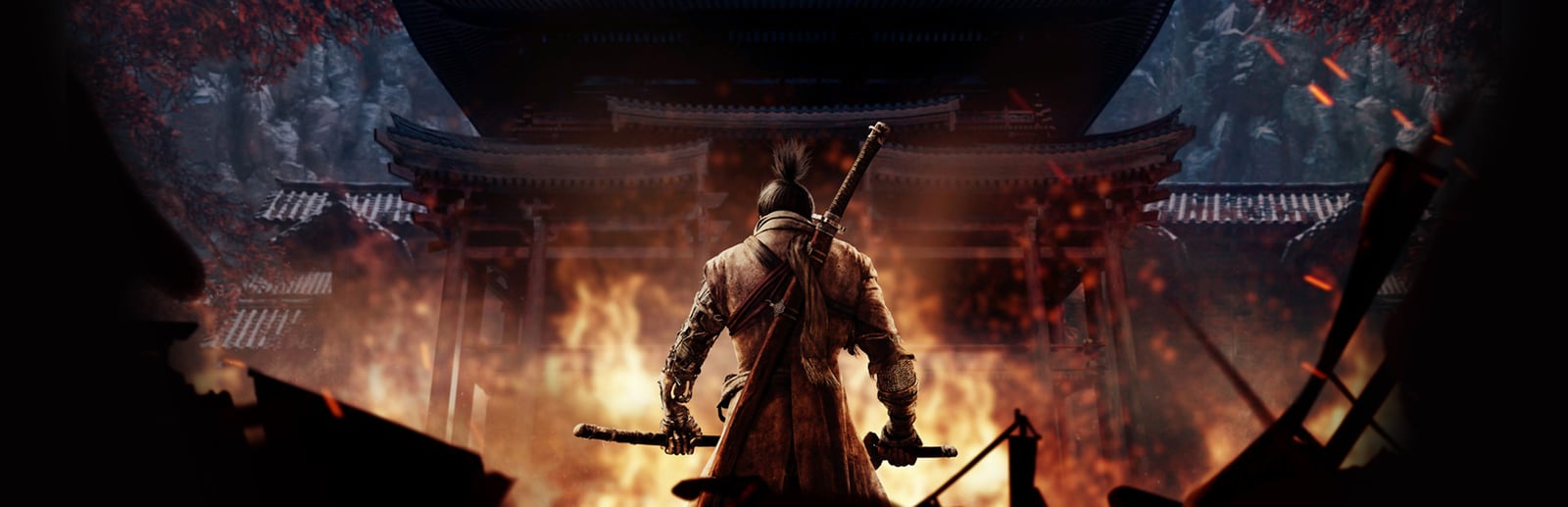
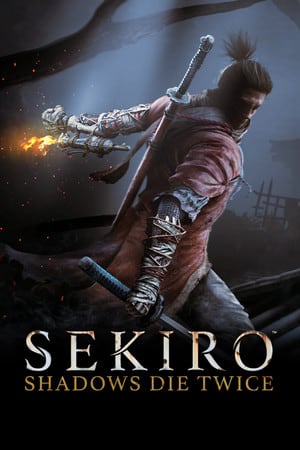
Sekiro: Shadows Die Twice sends the one-armed wolf through a reimagined 1500s Japan of towering castles, misted valleys and relentless duels. Combat revolves around deflection and posture rather than dodging, rewarding precise, aggressive timing. The PC version runs on FromSoftware's engine with a hard 60 FPS cap that the game will not exceed no matter how powerful your hardware is, so tuning is about locking a perfectly stable 60 and eliminating frame-time spikes rather than chasing higher numbers. Shadows, lighting and effects are by far the heaviest settings, while textures are cheap thanks to a modest VRAM footprint. There is no DLSS or FSR support, so on weak GPUs the levers are internal resolution and the heavy quality settings.
Built for competitive players who want the highest frame rate and lowest input latency.
Sekiro's engine is hard-capped at 60 FPS, so this profile isn't about more frames — it's about never dropping below 60 during effect-heavy boss fights. Shadows, lighting and effects are cut to Low so even modest GPUs pin a rock-solid, low-latency 60.
| Setting | Value | Why |
|---|---|---|
| Screen Mode | Fullscreen | Best frame pacing toward the 60 FPS cap. |
| Resolution | Native (e.g. 1920x1080) | — |
| Quality Settings | Low (custom) | — |
| Texture Quality | High | Cheap on VRAM here — no need to sacrifice sharpness for frames. |
| Antialiasing Quality | Low | — |
| Shadow Quality | Low | One of the two heaviest settings; biggest single gain toward a stable 60. |
| Lighting Quality | Low | Heavy in open, foggy areas; Low smooths the worst dips. |
| Effects Quality | Low | Sparks and combat particles spike during parries — Low keeps frame-times flat. |
| Reflection Quality | Low | — |
| Water Surface Quality | Low | — |
| Shader Quality | Low | — |
| Motion Blur | Off | Removes smearing and a small render cost — clearer read on enemy attacks. |
| Depth of Field | Off | — |
| Volumetric Lighting Quality | Low | — |
Maximum visual fidelity for players who prefer the best-looking image.
Everything at Maximum for the fullest Sengoku atmosphere. Remember the engine still caps at 60 FPS, so any GPU headroom above that goes into cleaner frame-times, not a higher number — shadows, lighting and volumetrics are the heaviest costs.
| Setting | Value | Why |
|---|---|---|
| Screen Mode | Fullscreen | — |
| Resolution | Native (highest available) | — |
| Quality Settings | Maximum | — |
| Texture Quality | Maximum | — |
| Antialiasing Quality | High | — |
| Shadow Quality | Maximum | Heaviest setting — reserve High/Max for GPUs with frame-time to spare under the cap. |
| Lighting Quality | Maximum | — |
| Effects Quality | Maximum | — |
| Reflection Quality | High | — |
| Water Surface Quality | High | — |
| Shader Quality | High | — |
| Motion Blur | On | — |
| Depth of Field | On | — |
| Volumetric Lighting Quality | Maximum | Beautiful in fog and shafts of light, but a notable cost in open areas. |
The sweet spot between frame rate and visuals. Drag the slider to shift the balance.
Holds the 60 FPS cap comfortably on recommended-tier hardware while keeping most of Sekiro's atmosphere. The two heaviest settings — shadows and effects — sit at Medium to absorb frame-time spikes in combat.
| Setting | Value | Why |
|---|---|---|
| Screen Mode | Fullscreen | — |
| Resolution | Native (e.g. 1920x1080) | — |
| Quality Settings | Medium (custom) | — |
| Texture Quality | High | — |
| Antialiasing Quality | Medium | — |
| Shadow Quality | Medium | Balances silhouette detail against the biggest single FPS cost. |
| Lighting Quality | Medium | — |
| Effects Quality | Medium | Keeps combat sparks looking good without spiking below 60. |
| Reflection Quality | Medium | — |
| Water Surface Quality | Medium | — |
| Shader Quality | High | — |
| Motion Blur | Off | — |
| Depth of Field | On | — |
| Volumetric Lighting Quality | Medium | — |
| Metric | CompetitiveLocked 60 / Low Latency | BalancedBalanced | High GraphicsBest Graphics |
|---|---|---|---|
| Input Latency | Lowest | Low | Standard |
| Graphics Quality | |||
| GPU Usage | Medium | High | Very High |
| Competitive Score | 90/100 | 76/100 | 60/100 |
| Recommended For | Weaker or laptop GPUs that need a guaranteed, unwavering 60 FPS through the toughest duels. | GTX 970 / RX 570-class and up that want a stable capped 60 with strong visuals. | GTX 1070 / RX Vega-class and above that can hold a locked 60 with everything maxed. |
Official minimum and recommended specs for Sekiro: Shadows Die Twice.
These are the requirements of Sekiro™: Shadows Die Twice - GOTY Edition, the edition this page covers.
| Component | Minimum | Recommended |
|---|---|---|
| OS | Windows 7 64-bit | Windows 8 64-bit | Windows 10 64-bit | Windows 7 64-bit | Windows 8 64-bit | Windows 10 64-bit |
| Processor | Intel Core i3-2100 | AMD FX-6300 | Intel Core i5-2500K | AMD Ryzen 5 1400 |
| Memory | 4 GB RAM | 8 GB RAM |
| Graphics | NVIDIA GeForce GTX 760 | AMD Radeon HD 7950 | NVIDIA GeForce GTX 970 | AMD Radeon RX 570 |
| DirectX | Version 11 | Version 11 |
| Storage | 25 GB available space | 25 GB available space |
Minimum
OS *: Windows 7 64-bit | Windows 8 64-bit | Windows 10 64-bit Processor: Intel Core i3-2100 | AMD FX-6300 Memory: 4 GB RAM Graphics: NVIDIA GeForce GTX 760 | AMD Radeon HD 7950 DirectX: Version 11 Network: Broadband Internet connection Storage: 25 GB available space Sound Card: DirectX 11 Compatible
Recommended
OS *: Windows 7 64-bit | Windows 8 64-bit | Windows 10 64-bit Processor: Intel Core i5-2500K | AMD Ryzen 5 1400 Memory: 8 GB RAM Graphics: NVIDIA GeForce GTX 970 | AMD Radeon RX 570 DirectX: Version 11 Network: Broadband Internet connection Storage: 25 GB available space Sound Card: DirectX 11 Compatible
Source: Steam
Pick your hardware and preset to estimate your frame rate — results update instantly.
Frame generation is never counted: every figure is rendered frames only.
Your Estimated Sekiro: Shadows Die Twice Performance
High (assumed from the recommended spec) · native · 1080p
160
Low end
176
Estimate
195
High end
FPS values displayed on GamerSpecs are estimates. Actual game performance may vary depending on hardware configuration, drivers, cooling, power limits, background applications, and game updates.
How is this calculated?Safe, technically-sound tips to get the most out of Sekiro: Shadows Die Twice.
Sekiro is hard-capped at 60 FPS by its engine — no setting, driver or launch option officially raises it, so aim for a perfectly stable 60 rather than more frames.
Enable VSync or an external 60 FPS frame cap to prevent tearing and keep frame-times even, since the game targets exactly 60.
Shadow Quality and Effects Quality are the two heaviest settings; drop these first if you dip below 60 in busy fights.
Texture Quality is cheap on VRAM here, so keep it High even on modest cards — you gain sharpness at almost no FPS cost.
There is no DLSS or FSR, so the fastest way to recover frames on a weak GPU is lowering internal resolution or shadows, not upscaling.
Close overlays and background apps before boss runs; a single frame-time spike can break a parry chain even at a locked 60.