
Horizon Zero Dawn
Guerrilla's lush open-world adventure — a well-tuned PC port that scales gracefully across a wide range of hardware.
- Developer
- Guerrilla Games
- Publisher
- PlayStation PC LLC
- Released
- 2020
- Genre
- Action RPG, Open World


Guerrilla's lush open-world adventure — a well-tuned PC port that scales gracefully across a wide range of hardware.
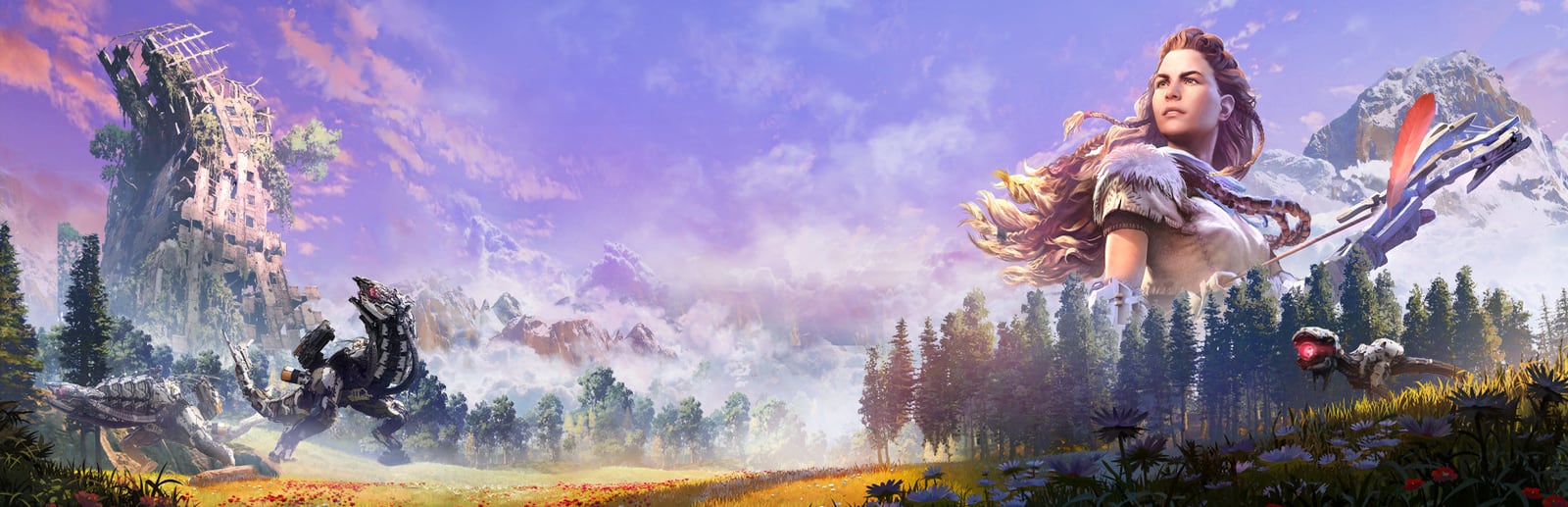
Horizon Zero Dawn follows Aloy through a vibrant, machine-ruled wilderness in one of the best-looking open worlds on PC. After early patches, the port matured into a well-optimized release that scales smoothly from modest laptops to high-end desktops, with DLSS and FSR both supported. Its heaviest costs come from the volumetric Clouds and from foliage and anisotropic filtering across its dense vegetation — tune those first and the game stays fluid almost everywhere.
Built for competitive players who want the highest frame rate and lowest input latency.
Trims the two heaviest systems — Clouds and foliage-related detail — for a high, stable frame rate on modest hardware.
| Setting | Value | Why |
|---|---|---|
| Display Mode | Fullscreen | Lowest latency and best frame pacing. |
| Dynamic Resolution | ON | — |
| Upscaling | DLSS / FSR — Performance | Large FPS gain at 1440p and above. |
| Texture Quality | High | Cheap to keep high with 6 GB+ VRAM. |
| Anisotropic Filter | 4x | Unusually heavy in this port — keep it modest. |
| Shadows | Low | — |
| Reflections | Low | — |
| Clouds | Low | The single heaviest setting — a huge FPS win. |
| Anti-Aliasing | TAA | — |
| Ambient Occlusion | SSAO | — |
| Model Quality | Medium | — |
| Level of Detail | Medium | — |
| Motion Blur | OFF | — |
Maximum visual fidelity for players who prefer the best-looking image.
Full fidelity for exploration and photo mode. Ultra Clouds look gorgeous but are the most demanding setting here.
| Setting | Value | Why |
|---|---|---|
| Display Mode | Fullscreen | — |
| Dynamic Resolution | OFF | — |
| Upscaling | DLAA / Native | Best possible image quality. |
| Texture Quality | Ultra | — |
| Anisotropic Filter | 16x | — |
| Shadows | High | — |
| Reflections | High | — |
| Clouds | Ultra | Beautiful, but the heaviest setting in the game. |
| Anti-Aliasing | TAA | — |
| Ambient Occlusion | HBAO+ | — |
| Model Quality | Ultra | — |
| Level of Detail | Ultra | — |
| Motion Blur | ON | — |
The sweet spot between frame rate and visuals. Drag the slider to shift the balance.
Keeps the lush, colorful look intact while pulling back the most expensive effects. A great everyday default.
| Setting | Value | Why |
|---|---|---|
| Display Mode | Fullscreen | — |
| Dynamic Resolution | ON | — |
| Upscaling | DLSS / FSR — Quality | Strong gains with near-native sharpness. |
| Texture Quality | High | — |
| Anisotropic Filter | 8x | Drop to 4x first if you're GPU-limited. |
| Shadows | Medium | — |
| Reflections | Medium | — |
| Clouds | Medium | The biggest single FPS lever in the game. |
| Anti-Aliasing | TAA | — |
| Ambient Occlusion | SSAO | — |
| Model Quality | High | — |
| Level of Detail | High | — |
| Metric | CompetitiveMax FPS / Performance | BalancedBalanced | High GraphicsBest Graphics |
|---|---|---|---|
| Input Latency | Lowest | Low | Standard |
| Graphics Quality | |||
| GPU Usage | Low | Medium | High |
| Competitive Score | 90/100 | 72/100 | 52/100 |
| Recommended For | High-refresh play and entry-level GPUs like the GTX 1060. | Mainstream 1080p/1440p GPUs wanting a smooth, pretty picture. | RTX 3060+ GPUs, exploration, and photo-mode capture. |
Official minimum and recommended specs for Horizon Zero Dawn.
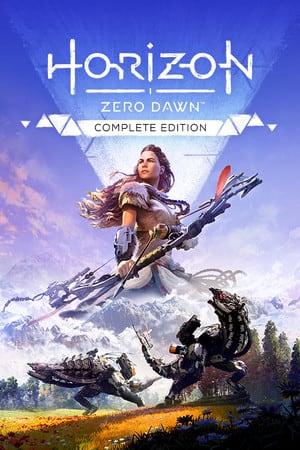
These are the requirements of Horizon Zero Dawn™ Complete Edition, the edition this page covers.
| Component | Minimum | Recommended |
|---|---|---|
| OS | Windows 10 64-bits | Windows 10 64-bits |
| Processor | Intel Core i5-2500K@3.3GHz or AMD FX 6300@3.5GHz | Intel Core i7-4770K@3.5GHz or Ryzen 5 1500X@3.5GHz |
| Memory | 8 GB RAM | 16 GB RAM |
| Graphics | Nvidia GeForce GTX 780 (3 GB) or AMD Radeon R9 290 (4GB) | Nvidia GeForce GTX 1060 (6 GB) or AMD Radeon RX 580 (8GB) |
| DirectX | Version 12 | Version 12 |
| Storage | 100 GB available space | 100 GB available space |
Minimum
Requires a 64-bit processor and operating system OS: Windows 10 64-bits Processor: Intel Core i5-2500K@3.3GHz or AMD FX 6300@3.5GHz Memory: 8 GB RAM Graphics: Nvidia GeForce GTX 780 (3 GB) or AMD Radeon R9 290 (4GB) DirectX: Version 12 Storage: 100 GB available space
Recommended
Requires a 64-bit processor and operating system OS: Windows 10 64-bits Processor: Intel Core i7-4770K@3.5GHz or Ryzen 5 1500X@3.5GHz Memory: 16 GB RAM Graphics: Nvidia GeForce GTX 1060 (6 GB) or AMD Radeon RX 580 (8GB) DirectX: Version 12 Storage: 100 GB available space
Source: Steam
Pick your hardware and preset to estimate your frame rate — results update instantly.
Frame generation is never counted: every figure is rendered frames only.
Your Estimated Horizon Zero Dawn Performance
High (assumed from the recommended spec) · native · 1080p
135
Low end
150
Estimate
165
High end
FPS values displayed on GamerSpecs are estimates. Actual game performance may vary depending on hardware configuration, drivers, cooling, power limits, background applications, and game updates.
How is this calculated?Safe, technically-sound tips to get the most out of Horizon Zero Dawn.
Clouds is the single most demanding setting — dropping it from Ultra to Medium reclaims a large chunk of frames with barely a visible difference in play.
Anisotropic Filtering and foliage/vegetation density are unusually heavy in this port; ease those first when you're GPU-limited.
Use DLSS or FSR at Quality — the port scales cleanly, so you gain frames with very little image cost.
Keep the game on an SSD to avoid texture-streaming hitches when riding through dense areas.
Let the game apply its automatic hardware-based preset first, then fine-tune Clouds and Shadows from there.
Cap your frame rate slightly below your monitor's refresh rate for steadier pacing during open-world traversal.