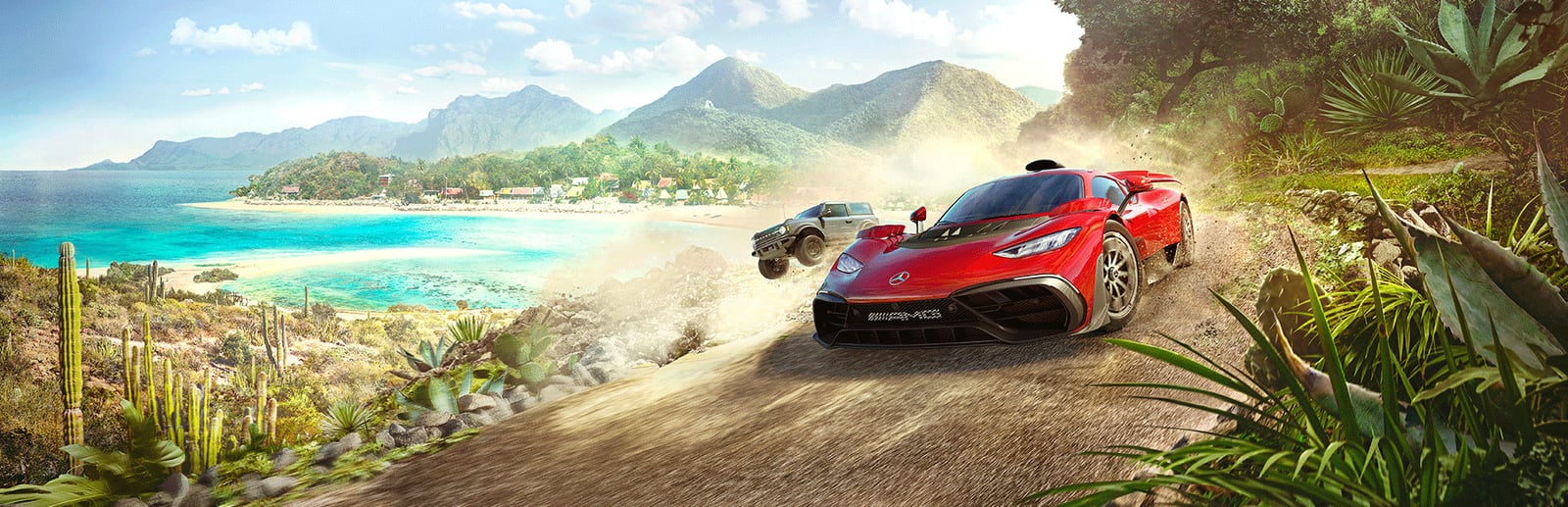


Forza Horizon 5
A gorgeous open-world arcade racer set in Mexico, and a benchmark-grade example of clean PC optimization.
- Developer
- Playground Games
- Publisher
- Xbox Game Studios
- Released
- 2021
- Genre
- Racing, Open World


A gorgeous open-world arcade racer set in Mexico, and a benchmark-grade example of clean PC optimization.
Forza Horizon 5 drops hundreds of cars into a vast, detailed recreation of Mexico — from dune deserts and jungle storms to a living volcano. Built on Playground's ForzaTech engine, it is widely regarded as one of the best-optimized AAA releases on PC: it scales cleanly from integrated graphics to high-end rigs, holds remarkably steady frame times, and ships with a repeatable built-in benchmark. The experience is GPU-bound, so most of your tuning happens on the graphics side, and DLSS/FSR support gives you a large, low-cost lever for extra frames.
Built for competitive players who want the highest frame rate and lowest input latency.
Trims the heaviest GPU effects and leans on upscaling for the highest, most stable frame rate — ideal for online races and Rivals time trials where consistent frame pacing matters most.
| Setting | Value | Why |
|---|---|---|
| Display Mode | Fullscreen | Lowest latency, exclusive GPU access. |
| Resolution | Native Resolution | — |
| V-Sync | Off | Uncaps FPS and cuts input latency. |
| Frame Rate Cap | Unlimited | — |
| NVIDIA DLSS / AMD FSR 2.2 | Performance | Largest single FPS lever; still clean at racing speed. |
| MSAA | Off | The most expensive setting — skip it for max frames. |
| Anti-Aliasing | TAA | — |
| Dynamic Optimization | On | Auto-nudges settings to hold your target FPS. |
| Motion Blur Quality | Off | Cleaner read of the road ahead. |
| Anisotropic Filtering | 4x | — |
| Shadow Quality | Low | Big GPU win; barely visible at speed. |
| Night Shadows | Low | — |
| Environment Texture Quality | Medium | — |
| Environment Geometry Quality | Low | — |
| Reflection Quality | Low | — |
| Ray Tracing Quality | Off | Reserve RT for Forzavista / photo mode. |
Maximum visual fidelity for players who prefer the best-looking image.
The full Extreme preset with ray-traced car reflections while driving. This is a showcase profile — spectacular on a strong GPU and ideal for cruising, cinematics, and photo mode.
| Setting | Value | Why |
|---|---|---|
| Display Mode | Fullscreen | — |
| Resolution | Native Resolution | — |
| V-Sync | Off | — |
| Frame Rate Cap | Unlimited | — |
| NVIDIA DLAA / Native | DLAA | Best sharpness; drop to DLSS Quality if you need frames. |
| MSAA | 8x | Heaviest single GPU cost at native resolution. |
| Anti-Aliasing | TAA | — |
| Motion Blur Quality | High | — |
| Anisotropic Filtering | 16x | — |
| Shadow Quality | Extreme | — |
| Night Shadows | Extreme | — |
| Environment Texture Quality | Extreme | — |
| Environment Geometry Quality | Extreme | — |
| Reflection Quality | Extreme | — |
| SSAO Quality | Ultra | — |
| Ray Tracing Quality | Extreme | RT reflections on cars while driving; very heavy. |
The sweet spot between frame rate and visuals. Drag the slider to shift the balance.
Keeps Mexico looking lush while retaining most of the frame-rate headroom. DLSS/FSR at Quality does the heavy lifting so you can leave the visible settings high.
| Setting | Value | Why |
|---|---|---|
| Display Mode | Fullscreen | — |
| Resolution | Native Resolution | — |
| V-Sync | Off | — |
| Frame Rate Cap | Refresh Rate | Match your monitor for flat frame times. |
| NVIDIA DLSS / AMD FSR 2.2 | Quality | Near-native image with a solid GPU headroom boost. |
| MSAA | 2x | — |
| Anti-Aliasing | TAA | — |
| Motion Blur Quality | Low | — |
| Anisotropic Filtering | 8x | — |
| Shadow Quality | High | — |
| Night Shadows | High | — |
| Environment Texture Quality | High | Sharper foliage/roads; cheap on 8GB+ VRAM. |
| Environment Geometry Quality | High | — |
| Reflection Quality | High | — |
| SSAO Quality | High | — |
| Ray Tracing Quality | Off | — |
| Metric | CompetitiveMax FPS / Rivals | BalancedBalanced | High GraphicsBest Graphics / Extreme |
|---|---|---|---|
| Input Latency | Lowest | Low | Standard |
| Graphics Quality | |||
| GPU Usage | Medium | High | Very High |
| Competitive Score | 90/100 | 74/100 | 55/100 |
| Recommended For | Online adventure, Rivals time trials, and high-refresh 144Hz+ monitors. | Players who want the game looking great without sacrificing smoothness. | Free-roam cruising, 4K screenshots, and content capture where visuals come first. |
Official minimum and recommended specs for Forza Horizon 5.
| Component | Minimum | Recommended |
|---|---|---|
| OS | Windows 10 version 18362.0 or higher | Windows 10 version 18362.0 or higher |
| Processor | Intel i5-4460 or AMD Ryzen 3 1200 | Intel i5-8400 or AMD Ryzen 5 1500X |
| Memory | 8 GB RAM | 16 GB RAM |
| Graphics | NVidia GTX 970, AMD RX 470, OR Intel Arc A380 | NVidia GTX 1070, AMD RX 590, OR Intel Arc A750 |
| DirectX | Version 12 | Version 12 |
| Storage | 110 GB available space | 110 GB available space |
Minimum
Requires a 64-bit processor and operating system OS: Windows 10 version 18362.0 or higher Processor: Intel i5-4460 or AMD Ryzen 3 1200 Memory: 8 GB RAM Graphics: NVidia GTX 970, AMD RX 470, OR Intel Arc A380 DirectX: Version 12 Network: Broadband Internet connection Storage: 110 GB available space
Recommended
Requires a 64-bit processor and operating system OS: Windows 10 version 18362.0 or higher Processor: Intel i5-8400 or AMD Ryzen 5 1500X Memory: 16 GB RAM Graphics: NVidia GTX 1070, AMD RX 590, OR Intel Arc A750 DirectX: Version 12 Network: Broadband Internet connection Storage: 110 GB available space
Source: Steam
Pick your hardware and preset to estimate your frame rate — results update instantly.
Frame generation is never counted: every figure is rendered frames only.
Your Estimated Forza Horizon 5 Performance
High (assumed from the recommended spec) · native · 1080p
115
Low end
128
Estimate
140
High end
FPS values displayed on GamerSpecs are estimates. Actual game performance may vary depending on hardware configuration, drivers, cooling, power limits, background applications, and game updates.
How is this calculated?Safe, technically-sound tips to get the most out of Forza Horizon 5.
Run the built-in benchmark (Settings > Video > Run Benchmark) after every change — it reports average, minimum, and maximum FPS so you can tune objectively instead of guessing.
Enable NVIDIA DLSS or AMD FSR 2.2 at Quality first; it recovers a large chunk of GPU headroom for very little image cost, and FH5's implementation stays clean at speed.
MSAA is by far the most expensive setting — step it down from 8x to 2x or Off before touching anything else when you need frames.
Turn on Dynamic Optimization if you get occasional dips; it nudges individual settings automatically to hold your target frame rate rather than hard-capping quality.
Keep GPU drivers current since Playground ships title-specific optimizations, but roll back if a new driver regresses your benchmark average.
Cap FPS a few frames below your monitor's refresh rate — FH5's frame pacing is already very smooth and stays flattest when it isn't fighting the refresh ceiling.