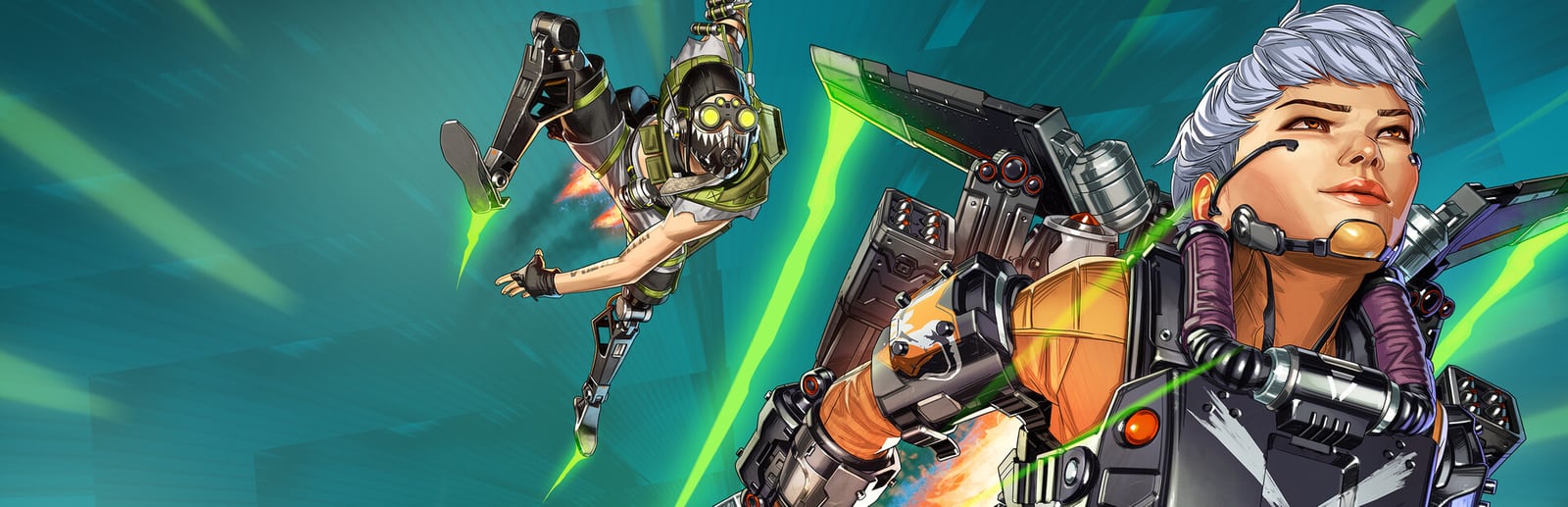


Apex Legends
A free-to-play squad battle royale with Legend abilities, fast movement, and a Source engine that rewards high frame rates.
- Developer
- Respawn Entertainment
- Publisher
- Electronic Arts
- Released
- 2019
- Genre
- Battle Royale, FPS


A free-to-play squad battle royale with Legend abilities, fast movement, and a Source engine that rewards high frame rates.
Apex Legends is Respawn's fast, movement-driven battle royale where three-player squads pick from a roster of Legends, each with distinct tactical, passive, and ultimate abilities. Built on a heavily modified Source engine (the same lineage as Titanfall), it prizes smooth, high-frame-rate gunplay and slide-heavy traversal. The engine is generally well optimized, but large late-game fights are CPU-heavy, so competitive players run low settings and uncap the default 144 FPS limit to keep frame times tight and input latency low.
Built for competitive players who want the highest frame rate and lowest input latency.
The pro-standard all-low config with the 144 FPS cap removed via +fps_max. Prioritises frame stability, clean sightlines, and the lowest possible input latency during chaotic late-game fights.
| Setting | Value | Why |
|---|---|---|
| Display Mode | Full Screen | Exclusive fullscreen gives the lowest latency. |
| Resolution | Native Resolution | — |
| Field of View | 104 | Wider view for tracking; small FPS cost but worth it. |
| V-Sync | Disabled | Removes latency and the frame-rate ceiling. |
| NVIDIA Reflex | Enabled + Boost | Meaningfully cuts input latency at no FPS cost. |
| Adaptive Resolution FOV | 0 | Disables dynamic resolution scaling for a stable image. |
| Anti-aliasing | None | TSAA off is one of the biggest FPS wins. |
| Texture Streaming Budget | Low (2 GB) | Match to your VRAM — overshooting causes stutter. |
| Texture Filtering | Anisotropic 2X | — |
| Ambient Occlusion Quality | Disabled | Costly contact shadows with no gameplay value. |
| Sun Shadow Coverage | Low | — |
| Sun Shadow Detail | Low | — |
| Spot Shadow Detail | Disabled | Cleaner interiors and easier enemy spotting. |
| Volumetric Lighting | Disabled | God rays are expensive — turn off first. |
| Model Detail | Low | — |
| Effects Detail | Low | Reduces particle load during multi-squad fights. |
Maximum visual fidelity for players who prefer the best-looking image.
Maximum fidelity with every lighting and shadow effect enabled. Best reserved for capable GPUs; late-game fights still lean on the CPU.
| Setting | Value | Why |
|---|---|---|
| Display Mode | Full Screen | — |
| Resolution | Native Resolution | — |
| Field of View | 90 | — |
| V-Sync | Disabled | — |
| NVIDIA Reflex | Enabled | — |
| Anti-aliasing | TSAA | — |
| Texture Streaming Budget | Insane (8 GB) | Needs 8 GB+ VRAM to avoid streaming stutter. |
| Texture Filtering | Anisotropic 16X | — |
| Ambient Occlusion Quality | High | — |
| Sun Shadow Coverage | High | — |
| Sun Shadow Detail | High | — |
| Spot Shadow Detail | Very High | Highest shadow cost — GPU intensive. |
| Volumetric Lighting | Enabled | Atmospheric god rays; the heaviest single effect. |
| Dynamic Spot Shadows | Enabled | — |
| Model Detail | High | — |
| Effects Detail | High | — |
The sweet spot between frame rate and visuals. Drag the slider to shift the balance.
Keeps Apex looking sharp while holding most of the competitive frame-rate advantage. Shadows and effects stay readable without tanking performance in fights.
| Setting | Value | Why |
|---|---|---|
| Display Mode | Full Screen | — |
| Aspect Ratio | Native (16:9) | — |
| Resolution | Native Resolution | — |
| Field of View | 104 | — |
| V-Sync | Disabled | — |
| NVIDIA Reflex | Enabled + Boost | — |
| Anti-aliasing | TSAA | Cheap on this engine; removes shimmering edges. |
| Texture Streaming Budget | Medium (3 GB) | Set no higher than your GPU's VRAM. |
| Texture Filtering | Anisotropic 4X | — |
| Ambient Occlusion Quality | Low | — |
| Sun Shadow Coverage | High | — |
| Sun Shadow Detail | Low | — |
| Spot Shadow Detail | Low | — |
| Volumetric Lighting | Disabled | Biggest single FPS cost — leave it off. |
| Model Detail | Medium | — |
| Effects Detail | Medium | — |
| Metric | CompetitiveMax FPS / Competitive | BalancedBalanced | High GraphicsBest Graphics |
|---|---|---|---|
| Input Latency | Lowest | Low | Standard |
| Graphics Quality | |||
| GPU Usage | Low | Medium | High |
| Competitive Score | 96/100 | 80/100 | 62/100 |
| Recommended For | Ranked, scrims, and 144Hz–360Hz high-refresh monitors. | Players who want a crisp image without giving up smoothness. | Casual play and content capture on higher-end GPUs. |
Official minimum and recommended specs for Apex Legends.
These are the requirements of Apex Legends™, the edition this page covers.
| Component | Minimum | Recommended |
|---|---|---|
| OS | 64-bit Windows 10 | 64-bit Windows 10 |
| Processor | AMD FX 4350 or Equivalent, Intel Core i3 6300 or Equivalent | Ryzen 5 CPU or Equivalent |
| Memory | 6 GB RAM | 8 GB RAM |
| Graphics | AMD Radeon™ HD 7790 (2 GB), NVIDIA GeForce® GTX 950 | AMD Radeon™ R9 290, NVIDIA GeForce® GTX 970 |
| DirectX | Version 12 | Version 12 |
| Storage | 75 GB available space | 75 GB available space |
Minimum
Requires a 64-bit processor and operating system OS: 64-bit Windows 10 Processor: AMD FX 4350 or Equivalent, Intel Core i3 6300 or Equivalent Memory: 6 GB RAM Graphics: AMD Radeon™ HD 7790 (2 GB), NVIDIA GeForce® GTX 950 DirectX: Version 12 Network: Broadband Internet connection Storage: 75 GB available space Additional Notes: ~3.8GB for 1 localized language
Recommended
Requires a 64-bit processor and operating system OS: 64-bit Windows 10 Processor: Ryzen 5 CPU or Equivalent Memory: 8 GB RAM Graphics: AMD Radeon™ R9 290, NVIDIA GeForce® GTX 970 DirectX: Version 12 Network: Broadband Internet connection Storage: 75 GB available space Additional Notes: ~3.8GB for 1 localized language
Source: Steam
Pick your hardware and preset to estimate your frame rate — results update instantly.
Frame generation is never counted: every figure is rendered frames only.
Your Estimated Apex Legends Performance
High (assumed from the recommended spec) · native · 1080p
Game's frame cap. Apex Legends ships capped at 144 FPS; a supported in-game or config setting lifts the cap. Source
FPS values displayed on GamerSpecs are estimates. Actual game performance may vary depending on hardware configuration, drivers, cooling, power limits, background applications, and game updates.
How is this calculated?Safe, technically-sound tips to get the most out of Apex Legends.
Remove the default 144 FPS cap with the launch option '+fps_max unlimited', or set '+fps_max 190' to pair a 240Hz panel with steady frame times.
Turn on NVIDIA Reflex (Enabled + Boost) in Video settings — it cuts input latency without costing any frame rate.
Keep Texture Streaming Budget at or below your GPU's VRAM; setting it higher causes hitching and stutter in firefights.
Disable Volumetric Lighting and Ambient Occlusion first — they cost the most FPS for the least competitive value.
Cap FPS a few frames below your monitor's refresh rate (via +fps_max) to keep frame times consistent and reduce tearing.
Keep GPU drivers current, but roll back if a new driver regresses Apex specifically — newer isn't always faster for one title.