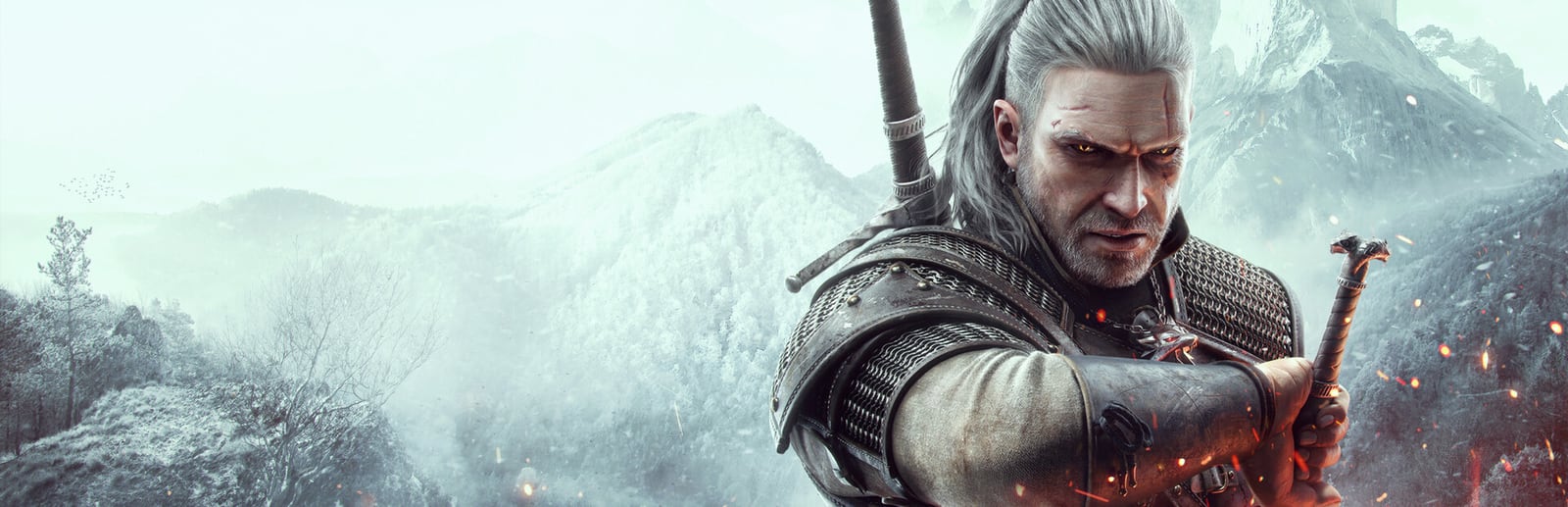
The Witcher 3: Wild Hunt
CD Projekt Red · CD Projekt · 2015
The free next-gen update gives PS5 and Series X a 60fps Performance mode and a 30fps ray-traced mode, while a dedicated Switch port runs the whole adventure at roughly 30fps on portable hardware.
How it runs on each console
Performance modes are estimated from each console's power and the game's demand — deterministic, never guessed.
PlayStation
PlayStation 5 Pro
Flagship · 2TB SSD
PlayStation 5
Flagship · 1TB SSD
PlayStation 4 Pro
Budget · 1TB HDD
PlayStation 4
Budget · 500GB HDD
Xbox
Xbox Series X
Flagship · 1TB SSD
Xbox Series S
Standard · 512GB SSD
Xbox One X
Budget · 1TB HDD
Xbox One
Budget · 500GB HDD
Nintendo
Nintendo Switch 2
Premium · 256GB UFS
Nintendo Switch OLED
Handheld · 64GB
About The Witcher 3: Wild Hunt
The free next-gen update transformed The Witcher 3 on PS5 and Xbox Series X, adding a Performance mode that targets 60fps and a Ray Tracing mode locked to 30fps with ray-traced global illumination and ambient occlusion. Performance is the mode most players want for Geralt's fast, weighty swordplay, while Ray Tracing suits screenshot-hunting and soaking in Novigrad and the Skellige coast at a slower pace. The update also folded in improved textures, faster loading, and HDR support that pairs beautifully with the game's painterly lighting. A separate Nintendo Switch version exists and is a genuine technical feat, running the complete game — expansions included — at around 30fps with reduced resolution and detail, and it plays well in handheld. The original last-gen PlayStation 4 and Xbox One releases run at 30fps. A VRR display helps steady Performance mode across the largest open-world vistas, and it remains the recommended setting for anyone prioritizing responsive combat over ray-traced reflections.
Best display & mode settings
- 1On PS5 and Series X pick Performance mode for the 60fps target — it makes Geralt's combat and the frequent camera work far smoother than the 30fps Ray Tracing mode.
- 2Switch to Ray Tracing mode when you want to explore and screenshot; its global illumination flatters Novigrad and Skellige, but the 30fps cap dulls fast fights.
- 3Enable VRR if your TV supports it to steady Performance mode's occasional dips when riding hard across the open world.
- 4Calibrate the built-in HDR so the game's warm, painterly lighting keeps highlight and shadow detail rather than clipping.
- 5On Nintendo Switch expect roughly 30fps at reduced resolution — handheld mode is the sweet spot, and lowering expectations from the console versions makes it a comfortable, complete experience; last-gen PS4/Xbox One originals are likewise 30fps.
FPS values displayed on GamerSpecs are estimates. Actual game performance may vary depending on hardware configuration, drivers, cooling, power limits, background applications, and game updates.