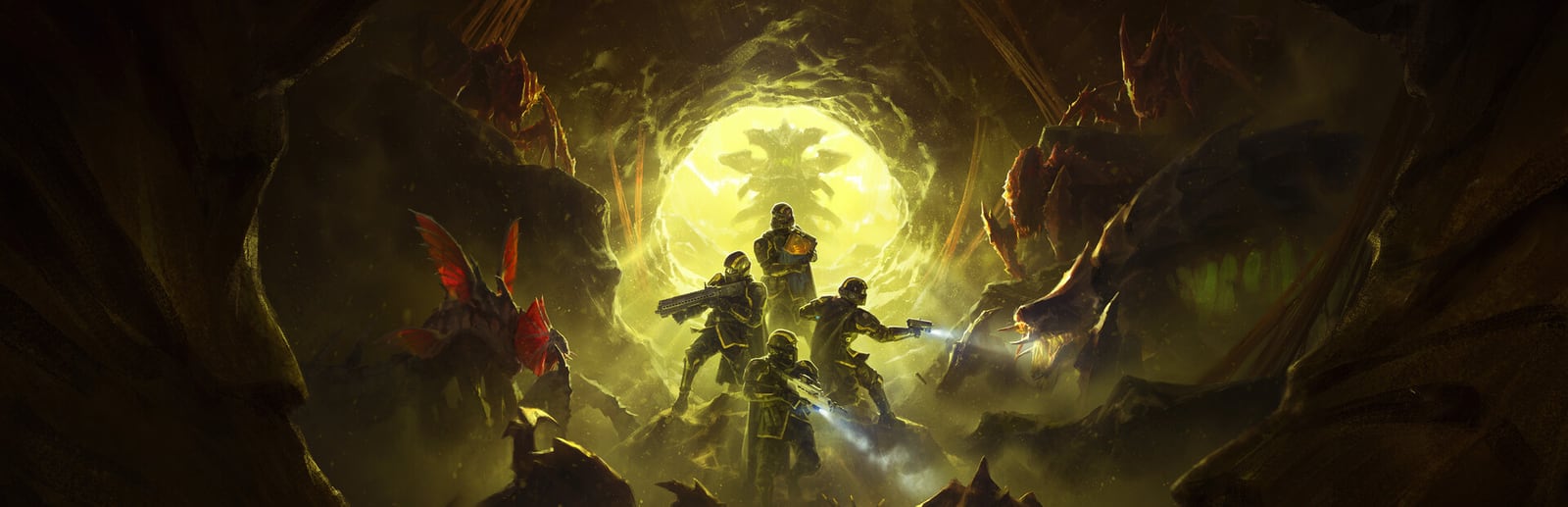
Helldivers 2
Arrowhead Game Studios · Sony Interactive Entertainment · 2024
A co-op shooter that pushes hard in busy fights, offering a 60fps Performance mode and a higher-resolution Quality mode on PS5 and Series X — with VRR the best way to tame the dips when four players and a storm of effects hit at once.
How it runs on each console
Performance modes are estimated from each console's power and the game's demand — deterministic, never guessed.
PlayStation
PlayStation 5 Pro
Flagship · 2TB SSD
PlayStation 5
Flagship · 1TB SSD
Xbox
Xbox Series X
Flagship · 1TB SSD
Xbox Series S
Standard · 512GB SSD
About Helldivers 2
Helldivers 2 lets you choose between a Performance mode targeting 60fps and a Resolution mode that trades frame rate for a sharper image on PS5 and Xbox Series X. Performance is the mode most squads should pick: the game's appeal is frantic four-player firefights, and those same moments — dozens of enemies, explosions, orbital strikes, and particle-heavy weather all on screen — are exactly what drives frame dips even in Performance mode. Because those drops come from combat load rather than a fixed cap, a display with VRR (HDMI 2.1 or FreeSync) is the single biggest improvement here, smoothing the busiest engagements without tearing. Resolution mode is a fine choice for players who prioritize a crisp image and play more deliberately, but expect it to feel heavier when a mission escalates. The game launched on PS5 and later came to Xbox Series X and Series S in 2025; Series S holds its target at a reduced resolution. There is no last-gen PS4 or Xbox One version, so every supported console runs the current-gen build. HDR is supported and worth calibrating so tracer fire and explosions read clearly against dark planetary skies.
Best display & mode settings
- 1Pick Performance mode for co-op — its 60fps target keeps aiming and dodging responsive when the screen fills with enemies and effects.
- 2Enable VRR (HDMI 2.1 or FreeSync) if your display supports it: the frame dips here come from combat load, not a fixed cap, and VRR smooths the busiest firefights.
- 3Choose Resolution mode only if you value a sharper image and play deliberately — expect it to feel heavier the moment a mission escalates.
- 4On Series S accept the reduced resolution used to hold the frame target; there is no meaningful fidelity gain worth the instability.
- 5Calibrate HDR so bright tracer fire, orbital strikes, and explosions stay legible against dark planetary skies instead of blooming into a wash.
FPS values displayed on GamerSpecs are estimates. Actual game performance may vary depending on hardware configuration, drivers, cooling, power limits, background applications, and game updates.