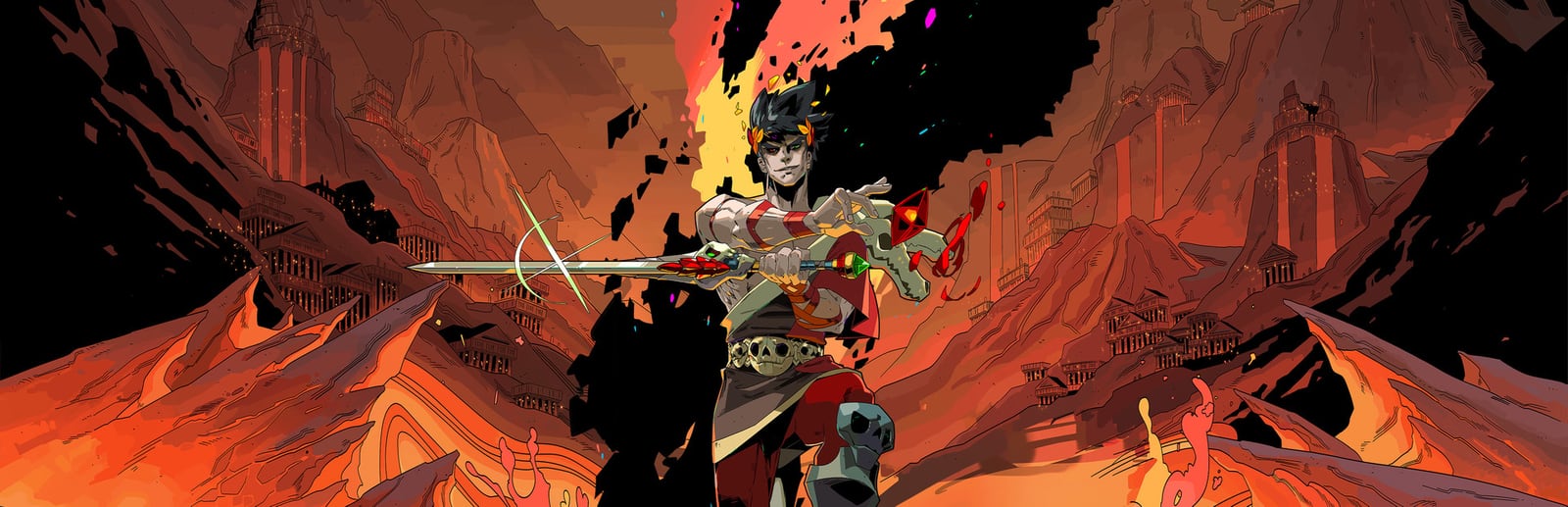
Hades
Supergiant Games · Supergiant Games · 2020
Supergiant's roguelike is light enough to hold a rock-solid 60fps on every console — including the original Nintendo Switch — and pushes to 120fps on current-gen hardware paired with a 120Hz display.
How it runs on each console
Performance modes are estimated from each console's power and the game's demand — deterministic, never guessed.
PlayStation
PlayStation 5 Pro
Flagship · 2TB SSD
PlayStation 5
Flagship · 1TB SSD
PlayStation 4 Pro
Budget · 1TB HDD
PlayStation 4
Budget · 500GB HDD
Xbox
Xbox Series X
Flagship · 1TB SSD
Xbox Series S
Standard · 512GB SSD
Xbox One X
Budget · 1TB HDD
Xbox One
Budget · 500GB HDD
Nintendo
Nintendo Switch 2
Premium · 256GB UFS
Nintendo Switch OLED
Handheld · 64GB
About Hades
Hades is a beautifully hand-drawn 2D action roguelike, and because it isn't chasing heavy 3D rendering it runs superbly everywhere. On PS5, PS4, Xbox Series X and S, and Xbox One it holds a locked 60fps, and even the original Nintendo Switch — docked or handheld — stays at a steady 60, which is remarkable for that hardware. On PS5 and Xbox Series X, a 120fps mode is available for players with a 120Hz display and VRR, and the fast, precise combat genuinely benefits from the extra fluidity when dodging and dashing out of the underworld. There are no separate Quality or ray-tracing modes to weigh here — the art style is stylised rather than photorealistic, so every platform simply prioritises frame rate. HDR isn't the headline feature, but the vivid palette pops on a good panel. The practical takeaway: whatever console you own, Hades feels smooth, and if you have a 120Hz TV, current-gen hardware makes it feel even sharper in the hands.
Best display & mode settings
- 1On PS5 or Xbox Series X with a 120Hz display, enable the 120fps mode — the extra fluidity sharpens dodge and dash timing in the fast underworld combat.
- 2You need an HDMI 2.1 120Hz TV or monitor to actually see 120fps; on a standard 60Hz set the game still holds a locked, comfortable 60.
- 3There's no Quality or ray-tracing trade-off to make — the 2D art keeps every platform at a high frame rate, so nothing is sacrificed for smoothness.
- 4On the original Switch, both docked and handheld hold 60fps, so play whichever way suits you; handheld loses no performance here.
- 5Enable VRR if available to keep frame pacing perfectly even during the busiest, most effect-heavy fights, though drops are rare given how light the game runs.
FPS values displayed on GamerSpecs are estimates. Actual game performance may vary depending on hardware configuration, drivers, cooling, power limits, background applications, and game updates.