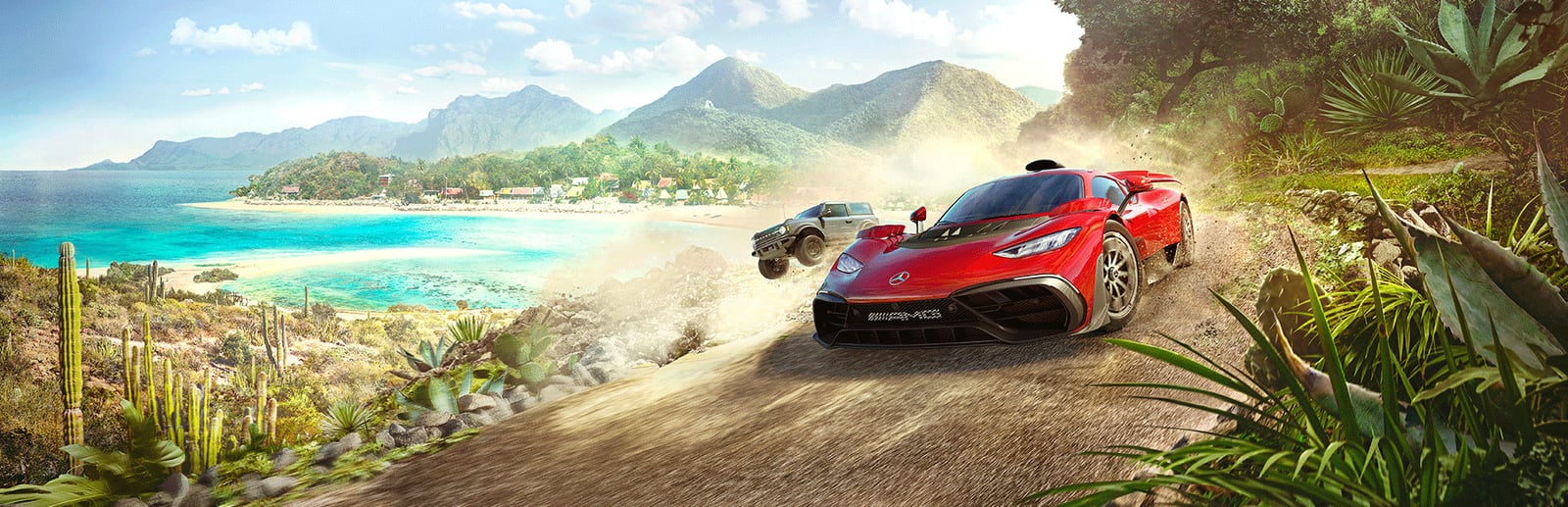
Forza Horizon 5
Playground Games · Xbox Game Studios · 2021
Xbox Series X|S — and, since 2025, PS5 — get a simple split: a locked 60fps Performance mode and a 30fps Quality mode that layers in ray tracing, with Series S holding 60fps at a lower resolution.
How it runs on each console
Performance modes are estimated from each console's power and the game's demand — deterministic, never guessed.
PlayStation
PlayStation 5 Pro
Flagship · 2TB SSD
PlayStation 5
Flagship · 1TB SSD
PlayStation 4 Pro
Budget · 1TB HDD
PlayStation 4
Budget · 500GB HDD
Xbox
Xbox Series X
Flagship · 1TB SSD
Xbox Series S
Standard · 512GB SSD
Xbox One X
Budget · 1TB HDD
Xbox One
Budget · 500GB HDD
About Forza Horizon 5
Forza Horizon 5 gives Xbox Series X|S, and now PS5, a straightforward two-mode split: Performance locks to a smooth 60fps, while Quality runs at a 30fps target and layers in ray tracing. At launch that ray tracing appeared only in the Forzavista car viewer, but a later update brought ray-traced reflections onto the road during gameplay in Quality mode. For a racing game the 60fps of Performance mode is almost always the better call — the extra frames matter far more at speed than reflections do — so treat Quality as a showcase mode for screenshots and admiring the cars. Xbox Series S holds the same 60fps Performance target but at a lower resolution to do so, while the last-gen Xbox One and Xbox One X versions are capped at 30fps. The game arrived on PS5 in 2025 with the same Performance and Quality structure. There is no dedicated 120Hz mode, but HDR is supported and looks superb across Mexico's deserts, jungles, and storm sequences. Whatever platform you play on, Performance mode is the one that keeps the racing crisp.
Best display & mode settings
- 1Select Performance mode for racing — its locked 60fps sharpens steering and braking response far more than Quality mode's ray tracing helps at speed.
- 2Switch to Quality mode only for Forzavista, photo mode, and relaxed cruising, where the 30fps target and ray-traced reflections show the cars off best.
- 3On Xbox Series S, Performance still targets 60fps but at a reduced resolution — expect a softer image than Series X while keeping the same smooth frame rate.
- 4On last-gen Xbox One and Xbox One X the game is capped at 30fps with no 60fps option, so accept the lower target on that hardware.
- 5There is no 120Hz mode, so leave your display at 60Hz and calibrate HDR for the strong contrast between Mexico's bright deserts and dark storm sequences.
FPS values displayed on GamerSpecs are estimates. Actual game performance may vary depending on hardware configuration, drivers, cooling, power limits, background applications, and game updates.